ออโต้คลิกที่
มองเห็นปุ่มจริง
The auto clicker
that sees the button
ครอปปุ่มในเกมครั้งเดียว ClickEye จะคอยหาบนหน้าจอแล้วแตะให้ทันทีที่เจอ ปุ่มย้ายที่ก็ยังเจอ ไม่ต้องจำพิกัด ไม่ต้องรูทเครื่อง Crop the in-game button once. ClickEye keeps looking for it and taps the moment it shows up — even if it moves. No coordinates, no root.
* ผลทดสอบค้นหาจริงบน BlueStacks ความเร็วขึ้นกับเครื่องและขนาดบริเวณค้นหา* A real test search on BlueStacks; speed depends on the device and the search area.

ออโต้คลิกทั่วไป กดตามพิกัด
ClickEye กดตามสิ่งที่เห็นOther clickers tap coordinates.
ClickEye taps what it sees.
ออโต้คลิกแบบพิกัดCoordinate clickers
- กดจุดเดิมซ้ำ ๆ ไม่ว่าบนจอจะมีอะไรTap the same spot whatever is on screen
- ปุ่มขยับนิดเดียวก็กดพลาดMiss as soon as the button moves
- กดตอนหน้าโหลดอยู่ เสียจังหวะหรือกดผิดเมนูFire during loading screens and hit the wrong menu
ClickEye
- แตะเมื่อ “เห็น” ปุ่มจริงบนจอเท่านั้นTaps only when it actually sees the button
- ปุ่มย้ายตำแหน่งก็ยังหาเจอFinds it even when it moves
- ไม่เจอ = ไม่กด ไม่มีกดมั่วNot found = no tap. No random taps
ผูกมาโครกับเกม
รู้เองว่าต้องทำอะไรBind macros to games.
It knows what to do.
ไม่ต้องคอยกดเริ่ม-หยุดเอง ClickEye ดูว่าตอนนี้เปิดแอปไหนอยู่ แล้วจัดการให้No more start/stop babysitting — ClickEye watches which app is in front and handles it.
- ออกจากเกม → มาโครพักเองLeave the game → macro pausesสลับไปตอบแชทก็ไม่มีการกดผิดแอปReply to a chat without stray taps
- กลับเข้าเกม → ทำต่อทันทีCome back → it resumesต่อจากที่ค้างไว้ ไม่ต้องตั้งใหม่Right where it left off
- เปิดเกมไหน → สลับมาโครให้Open another game → macro switchesหลายเกม หลายมาโคร ไม่ต้องเลือกเองMany games, many macros, zero picking

ตัดพื้นหลัง
เทียบแค่ตัวปุ่มRemove the background.
Match only the button.
ปุ่มที่ลอยอยู่บนฉากที่ขยับหรือเปลี่ยนสีตลอด เคยหาไม่เจอ ตอนนี้แม่นขึ้นเพราะ ClickEye ไม่สนพื้นหลังแล้วButtons over moving, colour-shifting scenes used to slip through. Now the background is simply ignored.
- อัตโนมัติในแตะเดียวOne-tap Autoแอปแยกตัวปุ่มออกจากพื้นหลังให้Separates the button from its background for you
- แปรงลบ / แปรงคืนErase / restore brushเก็บรายละเอียดเองได้ 3 ขนาด มีปุ่มย้อนกลับFine-tune with 3 brush sizes and undo
- แม่นแม้ฉากเปลี่ยนAccurate on busy scenesกลางวัน กลางคืน เอฟเฟกต์วิ่ง ก็ยังเจอปุ่มDay, night, flashing effects — still found
ทดสอบก่อนใช้จริง
เห็นผลก่อนกดTest before it taps.
See it first.
กด “ทดสอบค้นหา” ClickEye จะโชว์ว่าเจอตรงไหน เหมือนกี่เปอร์เซ็นต์ ใช้เวลากี่มิลลิวินาที และจะแตะจุดไหน โดยยังไม่แตะจริงHit “Test search” to see where it matched, how well, how fast, and where it would tap — without tapping.
- กรอบที่เจอ + บริเวณค้นหาMatch box + search area
- คะแนนความเหมือน และเวลาMatch score and timeต่ำกว่าเกณฑ์? แอปบอกว่าควรปรับเป็นเท่าไหร่Below threshold? It tells you what to set
- จุดที่จะกดWhere it will tap
เจอภาพนี้
แล้วกดตรงไหนก็ได้See this image,
tap anywhere.
ภาพเป็นตัวบอกว่า “เมื่อไหร่” ส่วนจุดกดจะอยู่บนภาพหรือที่อื่นก็ได้ เช่น เห็นแถบเลือดแดงเมื่อไหร่ ก็กดช่องยามุมจอThe image decides “when”; the tap can land on it or anywhere else — see the red HP bar, tap the potion slot.
- กลางภาพ หรือจุดที่เลือกเองImage centre or your own point
- ปรับความเหมือน 40–100%Similarity 40–100%เข้มงวดขึ้น = แม่นขึ้น · ผ่อนลง = เจอง่ายขึ้นStricter = surer · looser = finds more
- หน่วงก่อน/หลังกดDelay before/afterรอจอนิ่งก่อนกด ตรวจภาพซ้ำ กันกดรัวWaits for the screen to settle, re-checks, no double taps
คลังรูปในตัว
ครอปครั้งเดียว ใช้ได้ทุกมาโครA built-in library.
Crop once, reuse everywhere.
- ใช้รูปเดิมในกฎใหม่ได้ทันทีReuse a crop in a new rule
- รู้ว่ารูปไหนใช้อยู่ที่ไหนSee where each image is used
- ลบได้เฉพาะรูปว่างOnly unused images can be deletedมาโครที่ใช้อยู่จะไม่พังเพราะลบรูปผิดYour macros never break from a wrong delete
ทุกจอ ทุกขนาดตัวอักษร
อ่านง่าย ไม่เบียดEvery screen, every font size.
Nothing squeezed.
มือถือจอเล็ก ตั้งตัวอักษรใหญ่ แท็บเล็ต หรือเล่นแนวนอน หน้าจอ ClickEye จัดตัวเองให้พอดีทุกแบบSmall phone, large text, tablet or landscape — ClickEye lays itself out to fit.
- จอแคบ · ตัวอักษรใหญ่Narrow screen · large textปุ่มขึ้นบรรทัดใหม่ ข้อความไม่ถูกบีบเป็นแนวตั้งButtons wrap; text is never crushed into a column
- แท็บเล็ต · แนวนอนTablet · landscapeเมนูย้ายไปด้านข้าง มาโครเรียงหลายคอลัมน์Side navigation and multi-column macros
- หน้าตั้งค่าและเครื่องมือบนเกมSettings and in-game tools tooตั้งค่ากฎเป็นแท็บด้านบน เครื่องมือครอป/เลือกจุดจัดแถบใหม่ให้อ่านง่ายRule settings get top tabs; crop and point tools rearrange their bars
ภาพประกอบโครงหน้าจอLayout illustration
ปุ่มลอยปุ่มเดียว
คุมทุกอย่างบนเกมOne floating button
runs it all.
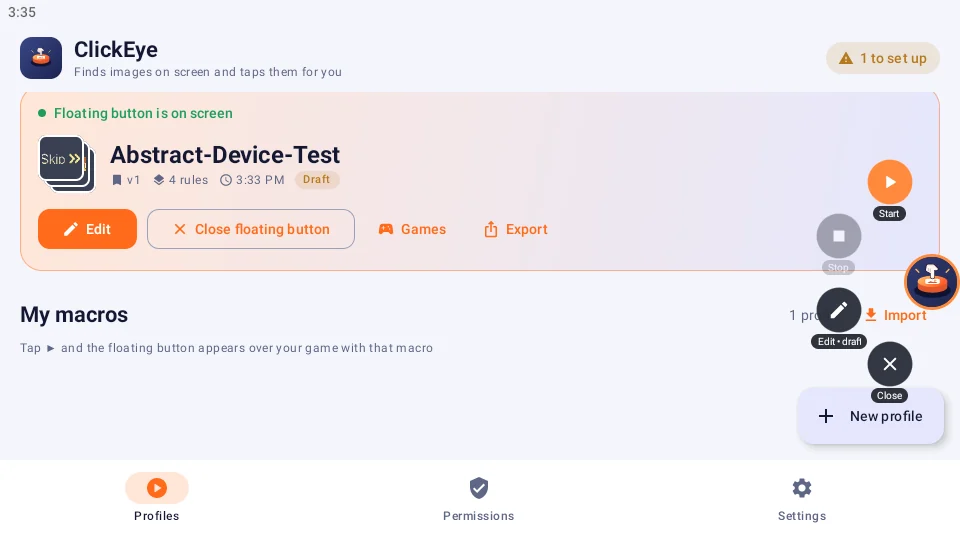
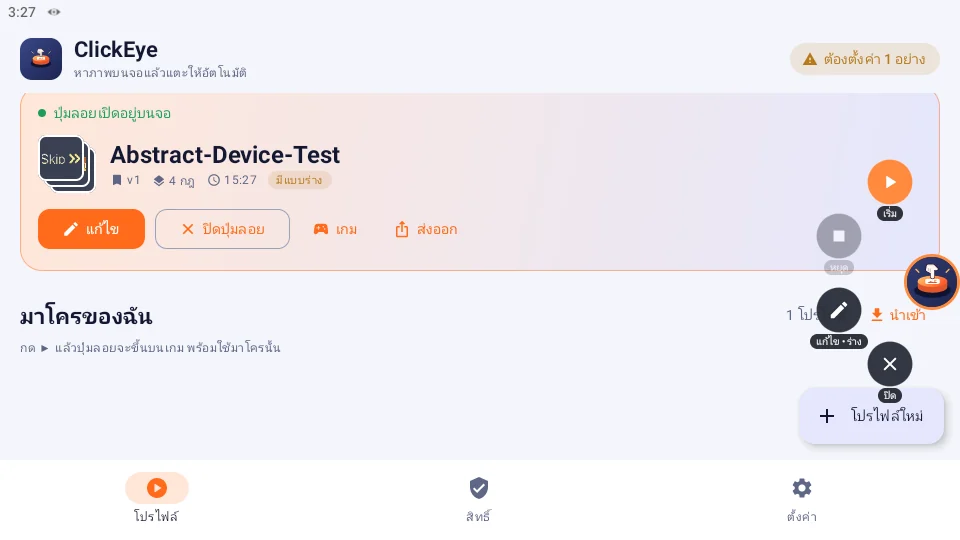
▶ เริ่ม · พัก · หยุด · แก้ไขStart · pause · stop · edit
แตะปุ่มลอยแล้วเมนูกางรอบนิ้ว ไม่ต้องออกจากเกมTap the bubble, the menu fans out — never leave the game
⇪ แชร์มาโครShare macros
ส่งออกไฟล์ .clickeye พร้อมรูป ไปใช้เครื่องอื่นหรือแจกเพื่อนExport a .clickeye file with its images to another device or a friend
🎨 8 ธีมสี + กรอบ RGB8 themes + RGB frames
🌐 ไทย · EnglishThai · English
สลับภาษาได้ทั้งแอปและตัวแก้ไขบนเกมSwitch the whole app and in-game editor
พร้อมให้ ClickEye
กดแทนคุณแล้วหรือยัง?Ready to let ClickEye
tap for you?
ดาวน์โหลดแล้วตั้งมาโครแรกได้ในไม่กี่นาที ด้วยคู่มือแบบภาพทีละขั้นYour first macro takes minutes with the step-by-step visual guide.
บางเกมห้ามใช้โปรแกรมช่วยกดในข้อกำหนดของเกม กรุณาตรวจสอบกฎของเกมก่อนใช้Some games forbid auto clickers in their terms — please check before use.